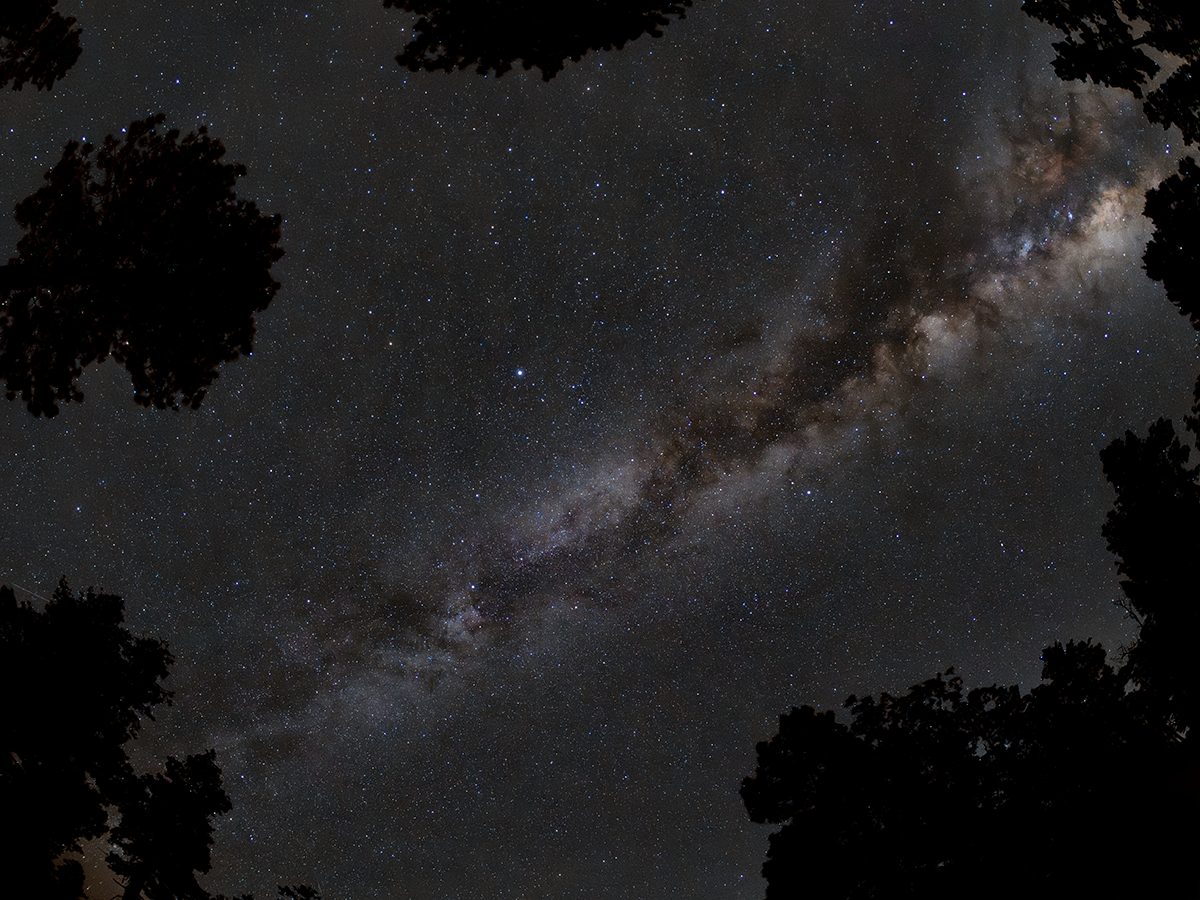
Took a trip up to the Mogollon Rim. Nice dark skies about a Bortle 2.
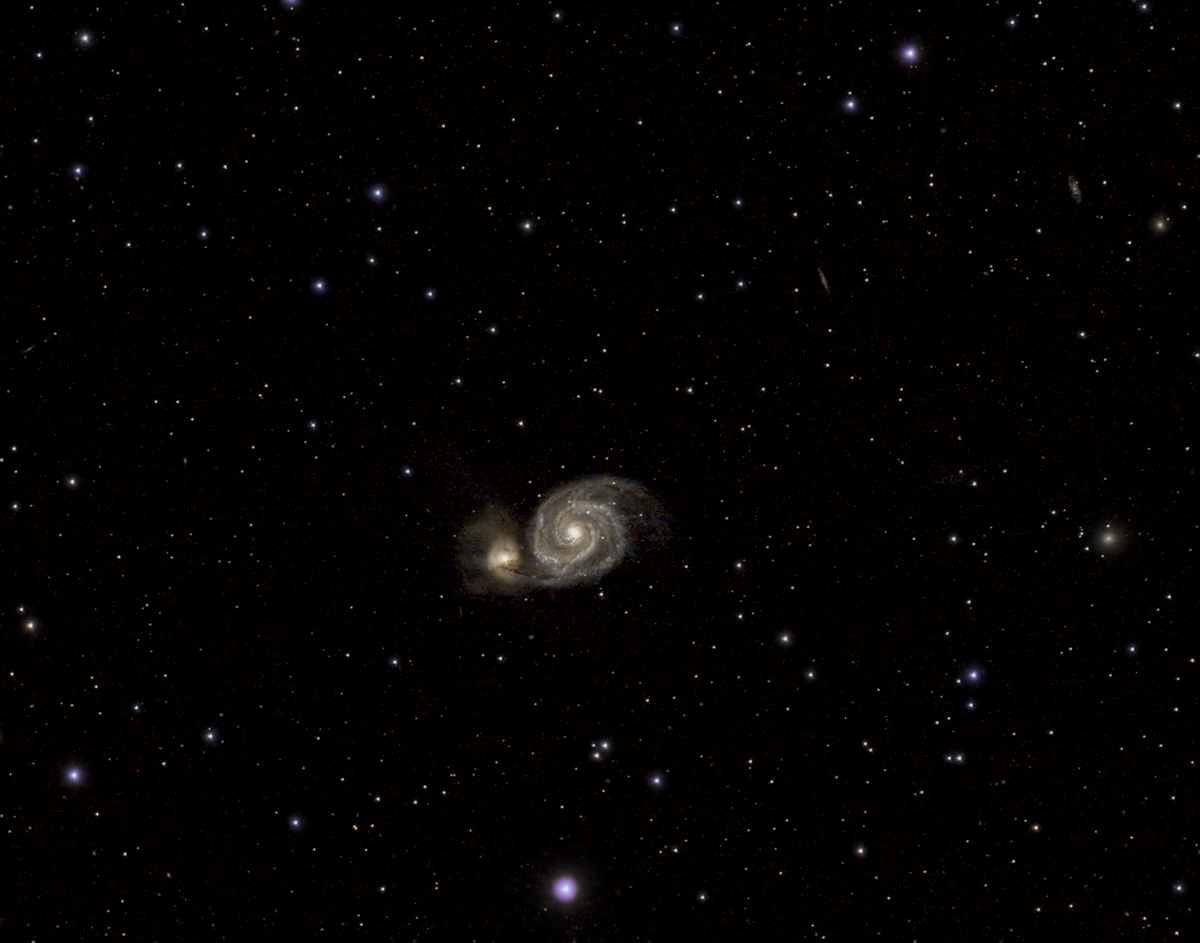
Whirlpool Galaxy
First attempt at this galaxy. This is another one that I will revisit again as I finally figured out the tracking software to get much better object tracking. The Whirlpool Galaxy, also known as Messier 51a (M51a) or NGC 5194, […]
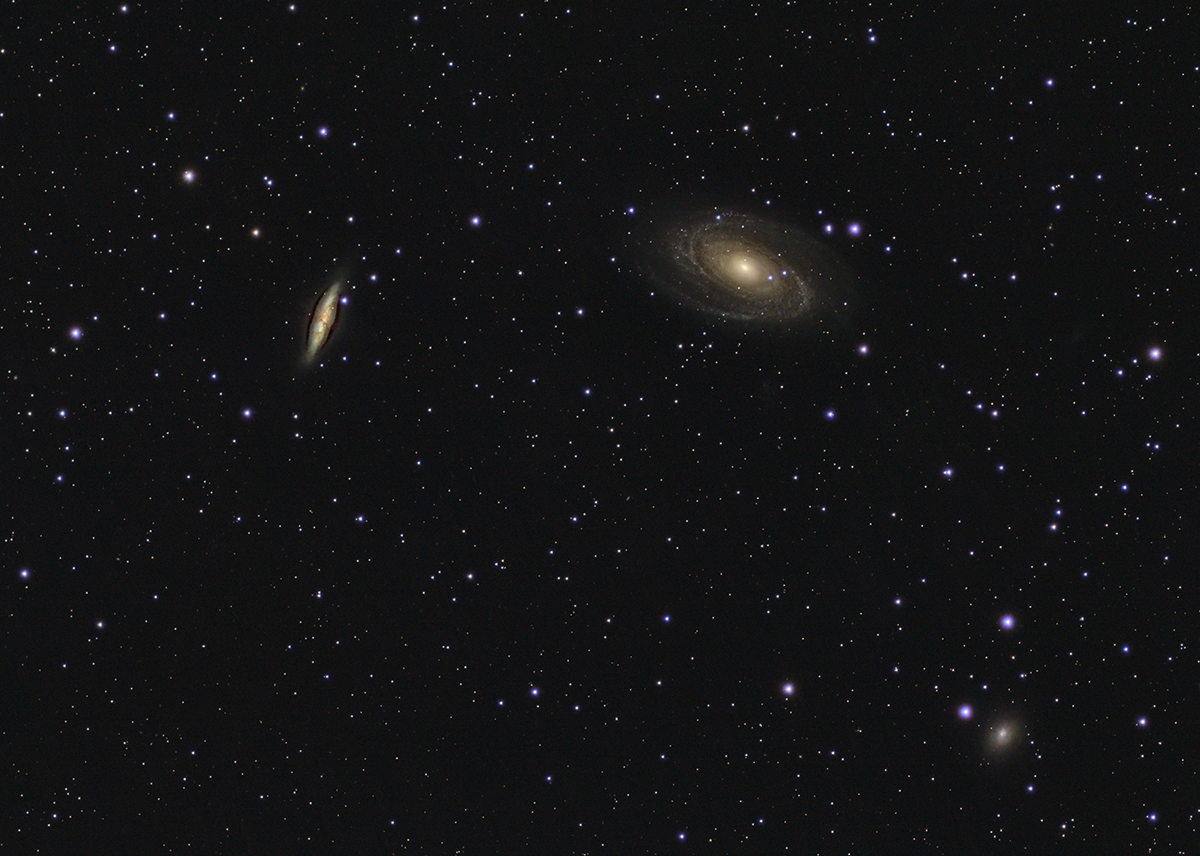
Bode’s and Cigar Galaxies
This is one of my first attempts at capturing a galaxy, since March is galaxy season. Pretty happy with my initial results, but also surprised at how small they are in the frame. I plan on shooting this again with […]
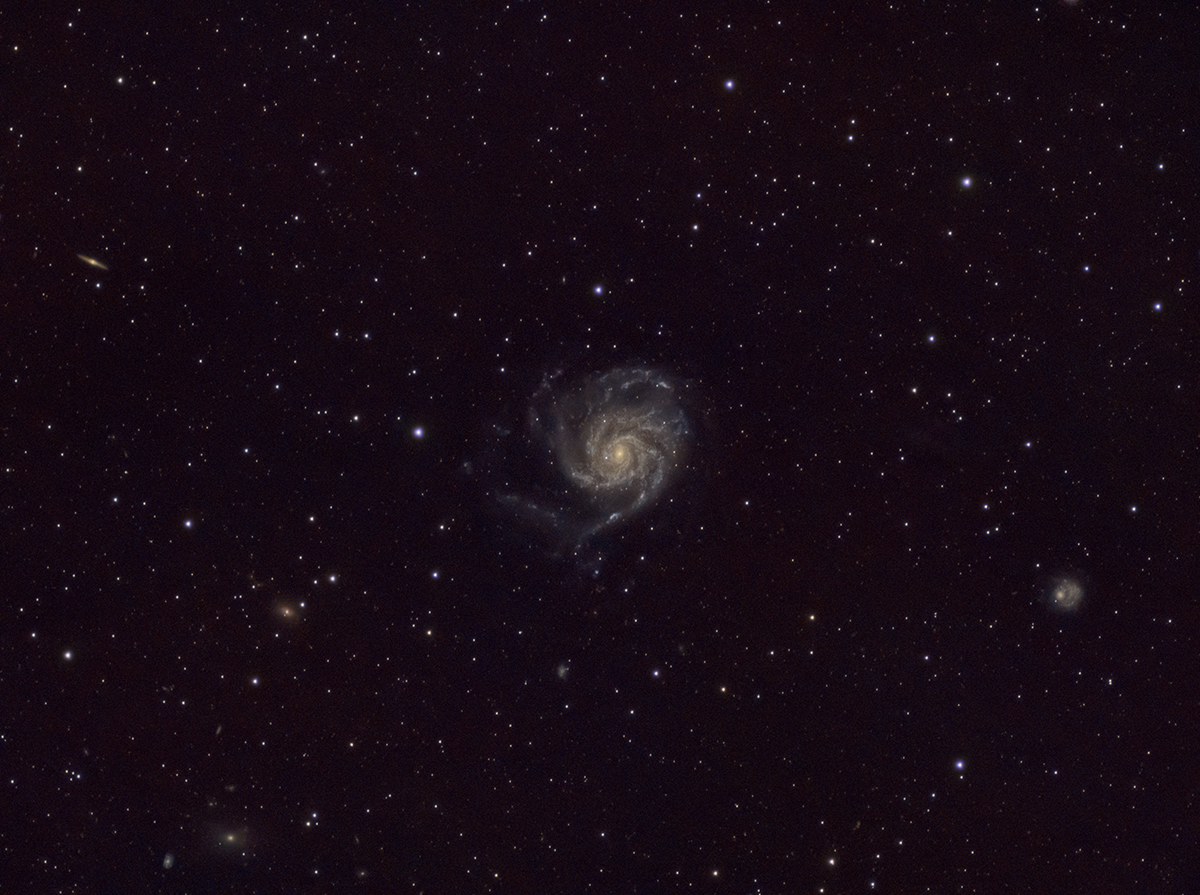
Pinwheel Galaxy
First attempt at this galaxy. Still haven’t got the guide scope and tracking software to work for me correctly, but getting close. Will do this target again with the better tracking and probably using a barlow lens with the OM-1 […]
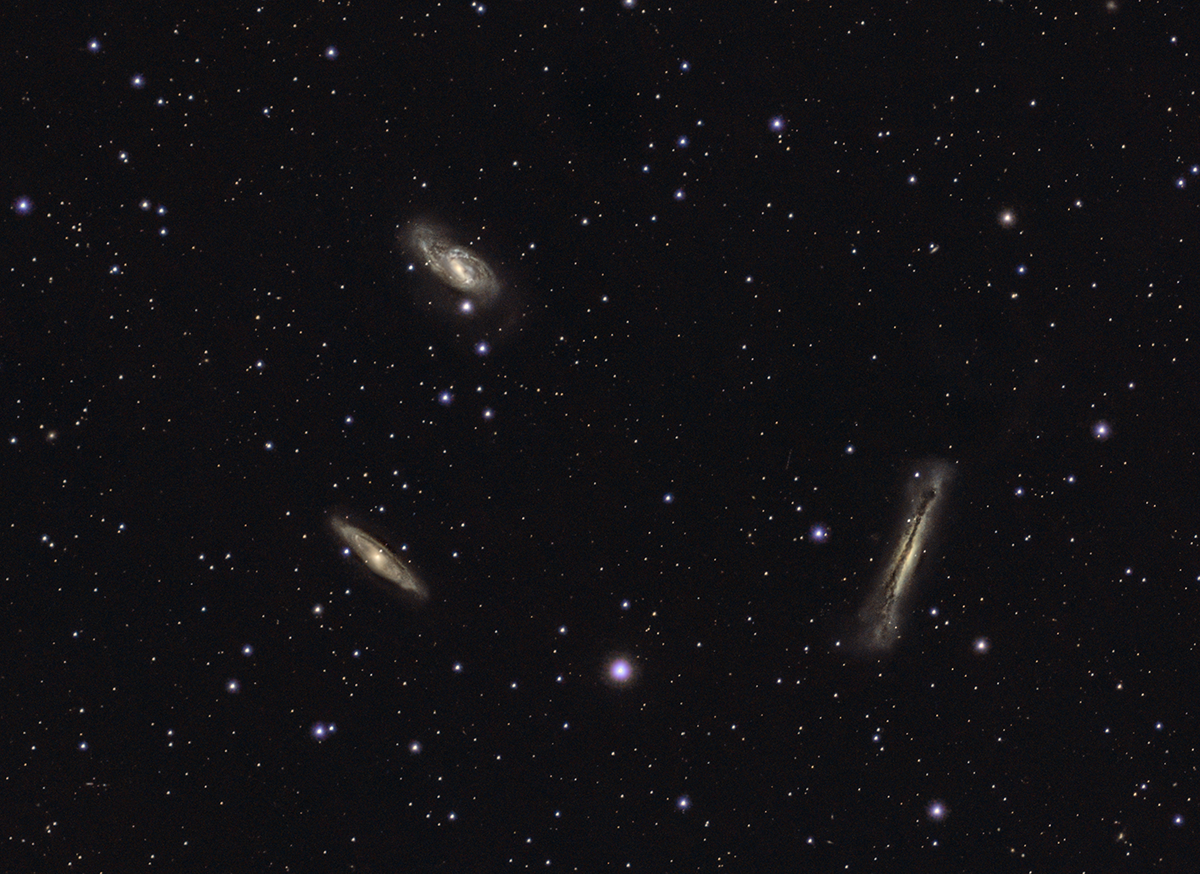
Leo Triplet
This is another of my first attempts at imaging a galaxy, so why not three of them together. I will definitely try this target again with adding barlow lens to the OM-1. The Leo Triplet (also known as the M66 […]
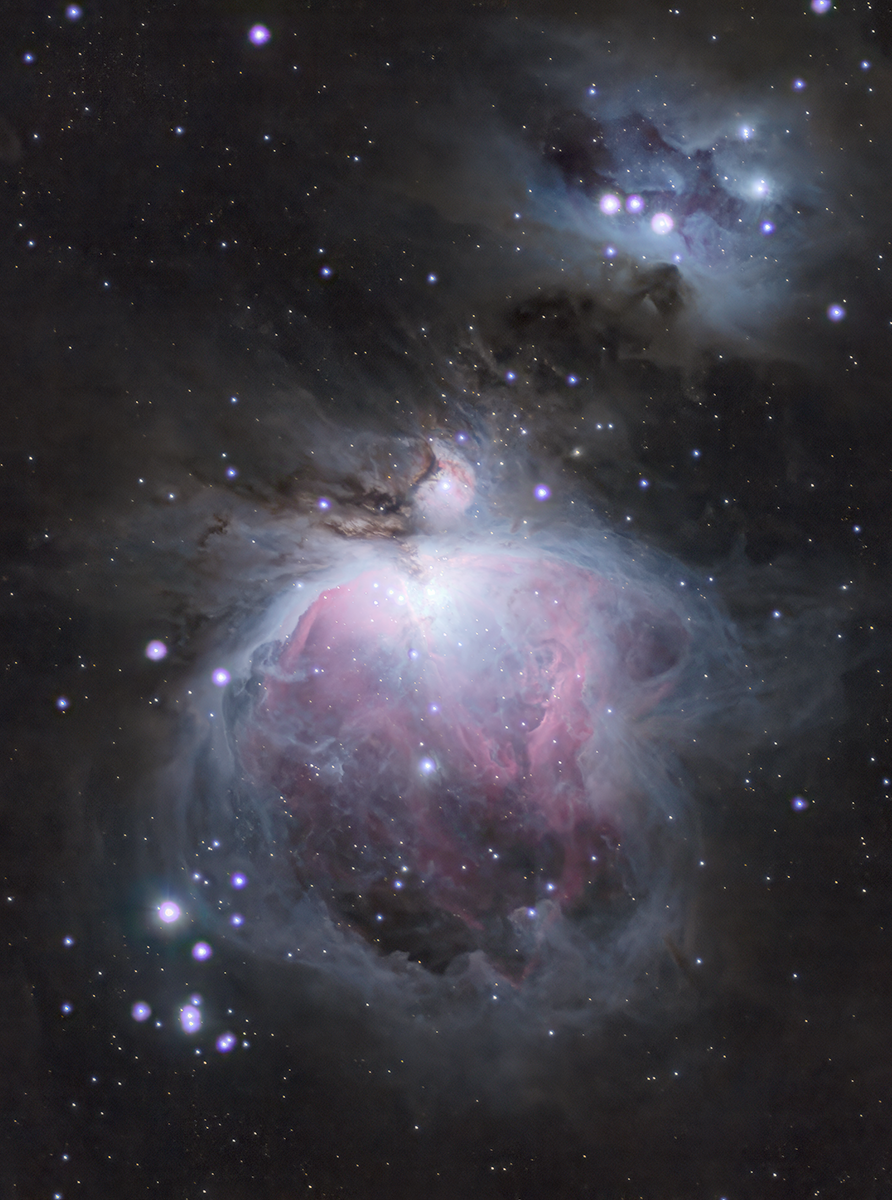
Orion Nebula
The Orion Nebula (also known as Messier 42, M42, or NGC 1976) is a diffuse nebula in the Milky Way situated south of Orion’s Belt in the constellation of Orion, and is known as the middle “star” in the “sword” […]
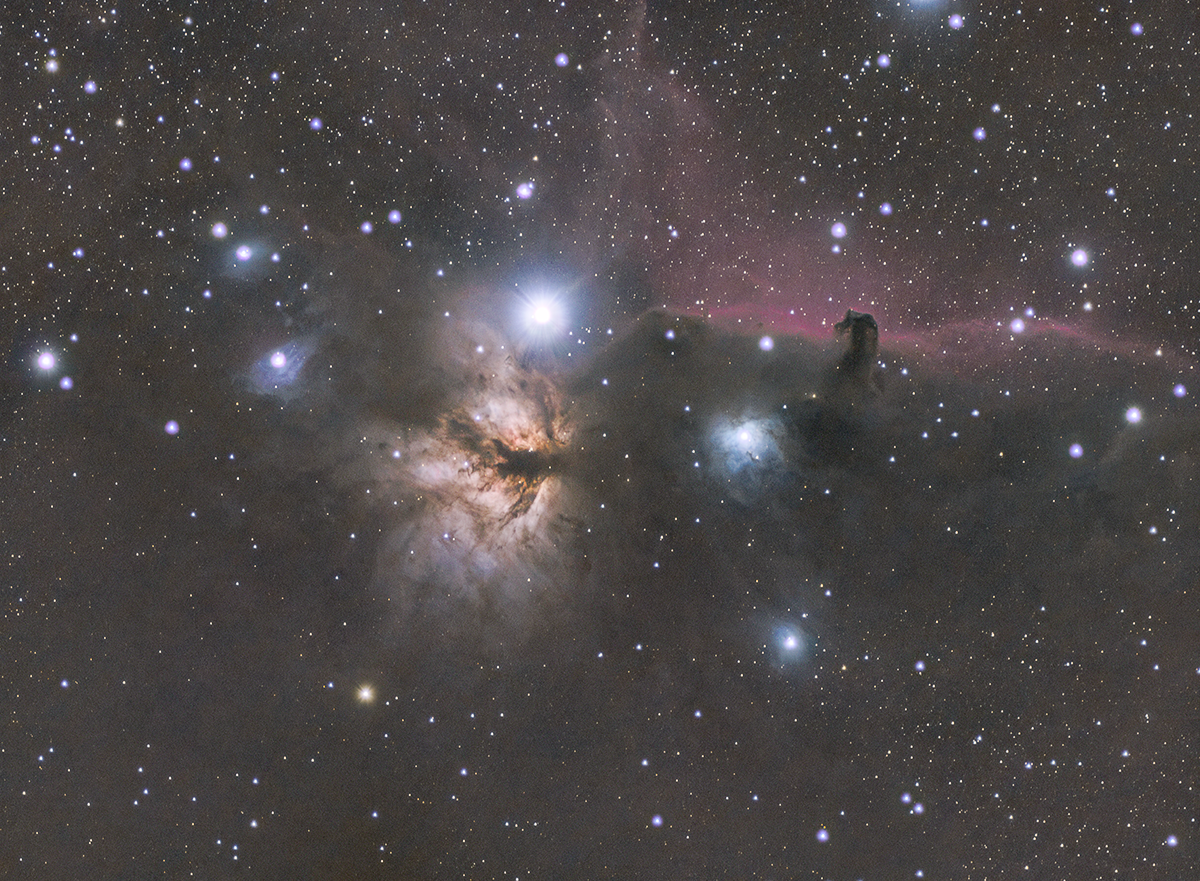
Flame and Horsehead Nebulas
The Flame Nebula, designated as NGC 2024 and Sh2-277, is an emission nebula in the constellation Orion. It is about 1350 light-years away. – Wikipdia The Horsehead Nebula (also known as Barnard 33 or B33) is a small dark nebula […]
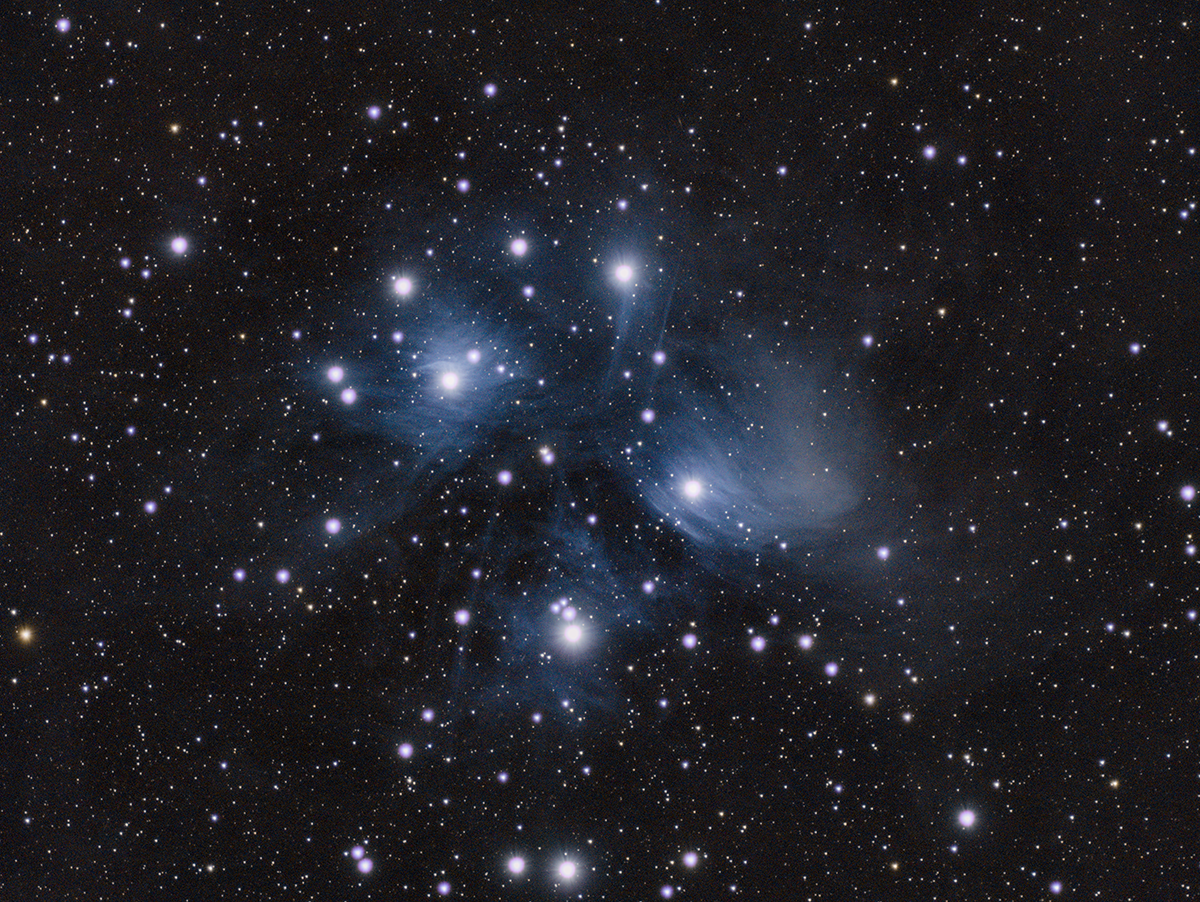
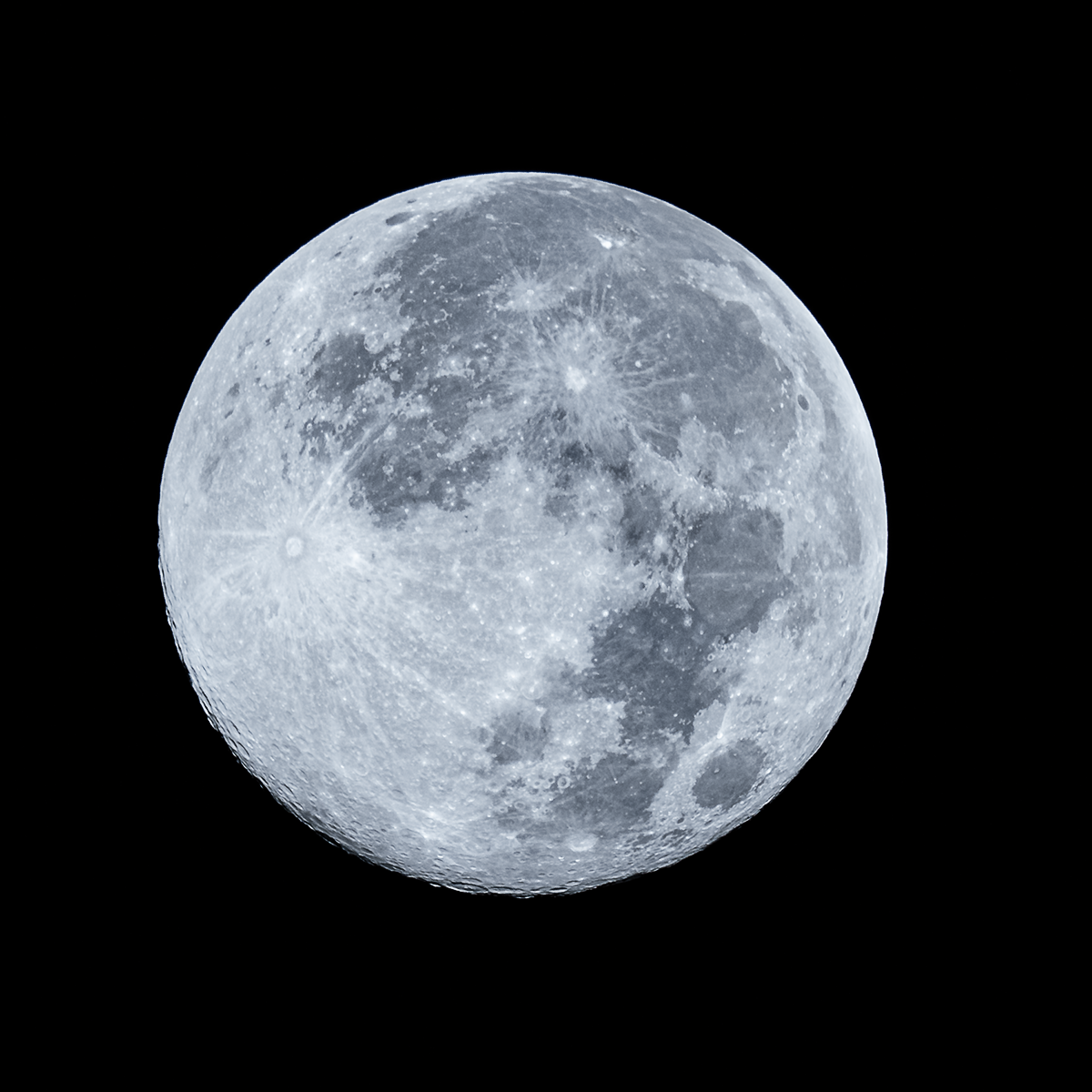
Cold Supermoon
This is the Cold Supermoon from December 4, 2025. It was an experiment in pushing what the camera could do within it’s settings. Shot with an OM-1 using a 100-400 lens at ISO 400, f6.3, and a shutter speed of […]
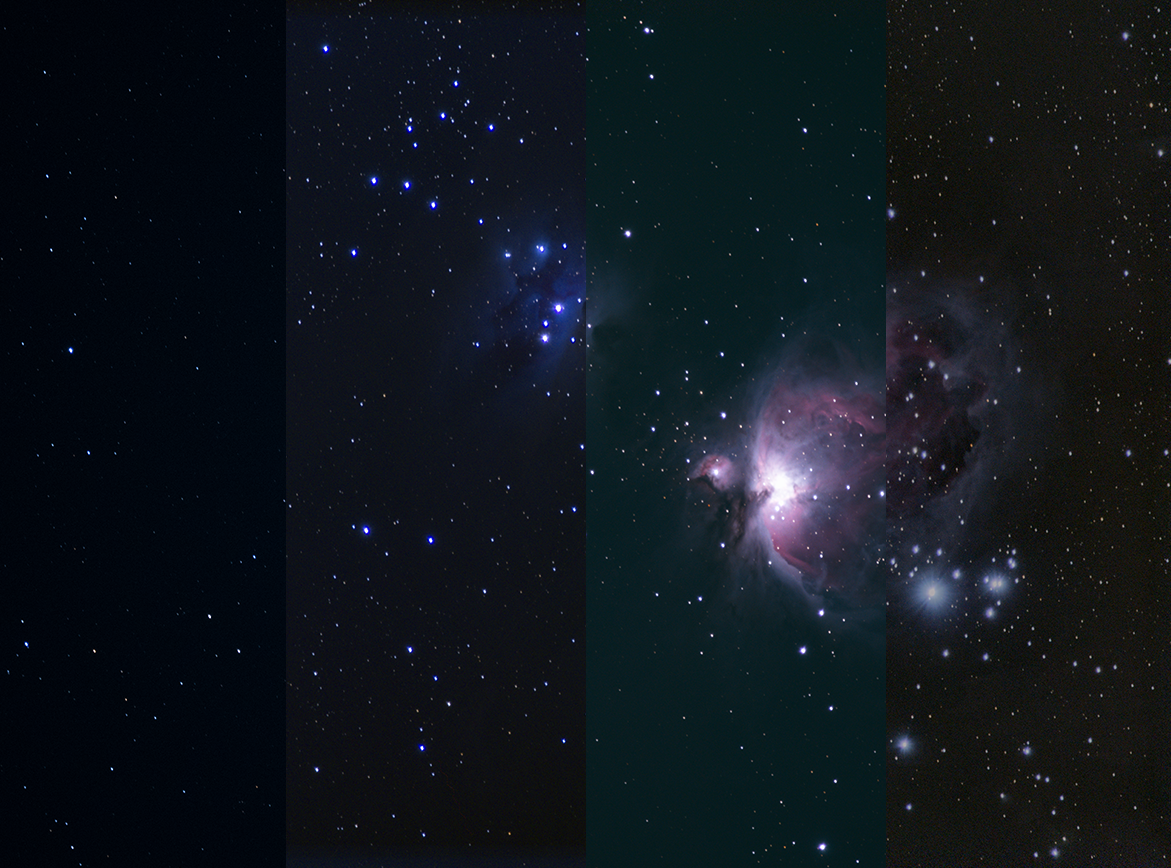
Stacking Software Comparison
For this testing of three pieces of FREE image stacking software to see which might give me the best results (Sequator, DeepSkyStacker, and Siril), I shot the Orion Nebula. Final images from each as well as a single RAW shot […]